The Retail Fort: How Supermarkets Handle Internet Outages
Explore how enterprise retail systems maintain 100% uptime during connectivity failures. Learn about the 'Defensive Layers' of supermarket networks, including dual-fiber redundancy, 5G failover, and 'Store and Forward' offline payment processing.
Author
Viruchith Ganesan
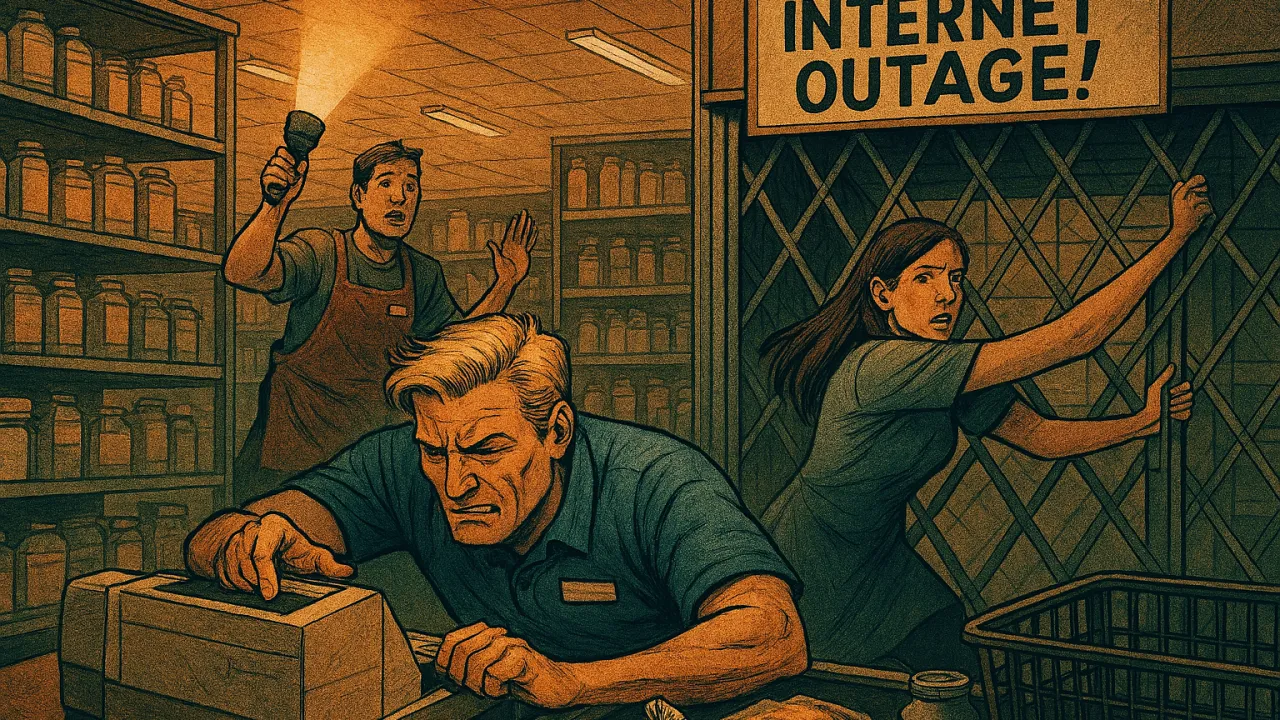
When you swipe your card at a supermarket, a invisible, lightning-fast handshake happens over the internet between the cash register, the store’s server, a payment gateway, and finally, your bank. This seamless loop is the backbone of modern retail. What happens when it breaks? For large, multi-regional supermarkets, the answer is rarely “we shut down.” Instead, they rely on layers of redundant systems designed specifically to keep the lines moving, ensuring that chaos never takes hold.
Here is a breakdown of how a supermarket network defends itself, what happens as each layer fails, and the security measures that protect your data throughout the crisis.
The Defensive Layers
In normal operation, the billing system operates in “Online Mode.” Every transaction is authorized in real-time by external payment servers. But supermarkets are prepared for connectivity failures. Their infrastructure is designed with a hierarchy of redundancies that activate one by one as the connection degrades.
Level 1: Hardwired Redundancy (The Dual Fiber Path)
Large retail businesses do not rely on a single internet cable from a single provider. Most have two separate, hardwired fiber-optic or broadband connections from different Internet Service Providers (ISPs) entering the building from different physical points.
When it fails: If a utility pole is knocked down or a provider’s service goes out, an intelligent router instantly switches all network traffic to the second provider. The cashiers and customers typically don’t even notice a blip; the loop remains unbroken.
Level 2: Cellular Redundancy (The 4G/5G Failover)
Even dual hardwired lines have a vulnerability: they are in the ground. If a construction crew accidentally cuts both providers’ cables, the store loses all physical internet access. This is where Level 2 redundancy activates.
When it fails: Modern retail routers are equipped with enterprise-grade 4G LTE or 5G SIM cards. Within seconds of detecting the complete loss of a wired connection, the entire store’s billing system automatically switches its path to the cellular network. The connection is slower than fiber, but the essential real-time authorization loop continues.
Level 3: The Dark Zone (Offline Mode)
If massive weather events or regional infrastructure collapse brings down both the fiber paths and the local cell towers, the store is officially disconnected from the outside world. This is the Complete Internet Outage. The billing loop is broken. There is no real-time cloud to ask for a price, check inventory, or authorize a card.
When it fails: At this precise moment, the store’s software switches seamlessly into “Offline Mode.”
How Offline Mode Operates
Offline mode does not turn the cash register back into a standard calculator. Instead, the POS system turns inward, running everything off a small, powerful computer known as the Local Store Server.
- Local Price & Inventory: During normal operations, the Local Store Server maintains a continuously updated copy (cache) of the entire inventory, including all prices, tax rates, and active discount promotions. When offline, the POS scans items as usual, pulling data from this local database rather than the cloud.
- Transaction Caching: When a transaction is completed, all details (items bought, total tax, discounts used) are securely stored on the local register and the Local Store Server.
Payment Processing in the Dark Zone
This is the most critical question: how do you get paid? The primary digital payment methods split down two different paths during an outage.
1. The Credit Card: “Store and Forward
Since the store cannot contact the bank to ask if you have funds, they must accept risk. They use a technique called Store and Forward.
The Process: The customer swiping or tapping their card proceeds as usual. The POS registers the swipe, captures the card data, applies “floor limits” (e.g., automatically declining any single transaction over $100 to mitigate risk), and temporarily stores an encrypted authorization request locally on the cash register. The store effectively gives the customer an “IOU” and queues the payment.
2. The UPI Case: A Hard Stop
Unified Payments Interface (UPI) is fundamentally different from a credit card. It requires a real-time, four-way digital “handshake” between the payer’s bank, the recipient’s bank, the central switch (NPCI), and the merchant’s POS, often requiring the customer’s own phone to provide authorization via PIN.
- What happens: Standard UPI payments do not work during a complete store internet outage. Even if the customer has cellular data on their own phone, they can scan the QR code, but the store’s billing server cannot receive the crucial “Payment Received” notification from its bank. The customer may see a successful payment on their app, but the merchant cannot verify it to close the sale.
- Note: While solutions like UPI Lite exist for small offline payments on the customer’s end, they do not resolve the merchant’s verification issue during a store-side outage. Consequently, stores in complete offline mode generally declare “No UPI” and require stored cards or cash.
Security Measures: Protecting Stored Data
If a store is storing thousands of credit cards locally during an outage, that server becomes an incredibly attractive target for hackers. To prevent this, strict regulations—mandated by the Payment Card Industry Data Security Standard (PCI-DSS)—are enforced.
- End-to-End Encryption (E2EE): The moment your card is swiped at the terminal, the data is instantly encrypted before it even leaves the terminal hardware. It is never stored as “plain text” numbers.
- Encrypted Storage: The encrypted transaction data is stored in a secure, segmented zone on the Local Store Server. The keys needed to decrypt that data are never stored on the same server. They are managed remotely by the payment gateway.
- Time Floor Limits: Systems are designed to automatically purge stored offline data after a set period (e.g., 24–48 hours) to minimize the window of liability if synchronization fails.
Restoring Connectivity: The Sync Up
The moment any connection (fiber or cellular) is restored, the Local Store Server detects the gateway.
- The Synchronization: The POS system automatically enters “Reconnection Mode” in the background. It priority-handles all queued “Store and Forward” credit card requests, batching them and sending them to the payment gateway for final authorization. The cards are officially charged.
- Final Data Sync: Once the financial transactions are cleared, the server syncs up all sales data, updates inventory counts to the cloud database and fetches any updated pricing or promotional changes that occurred during the outage. The store is back online.